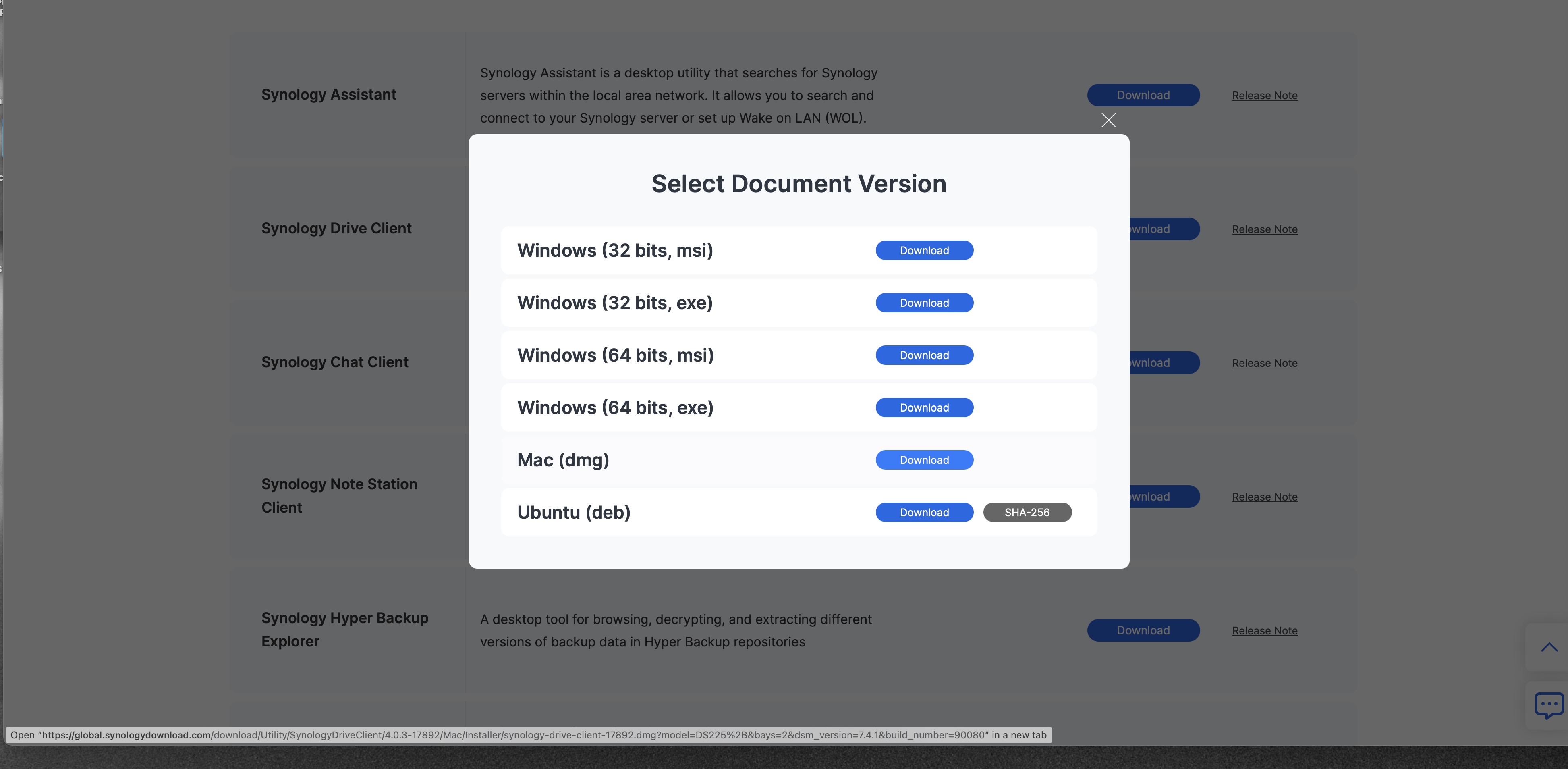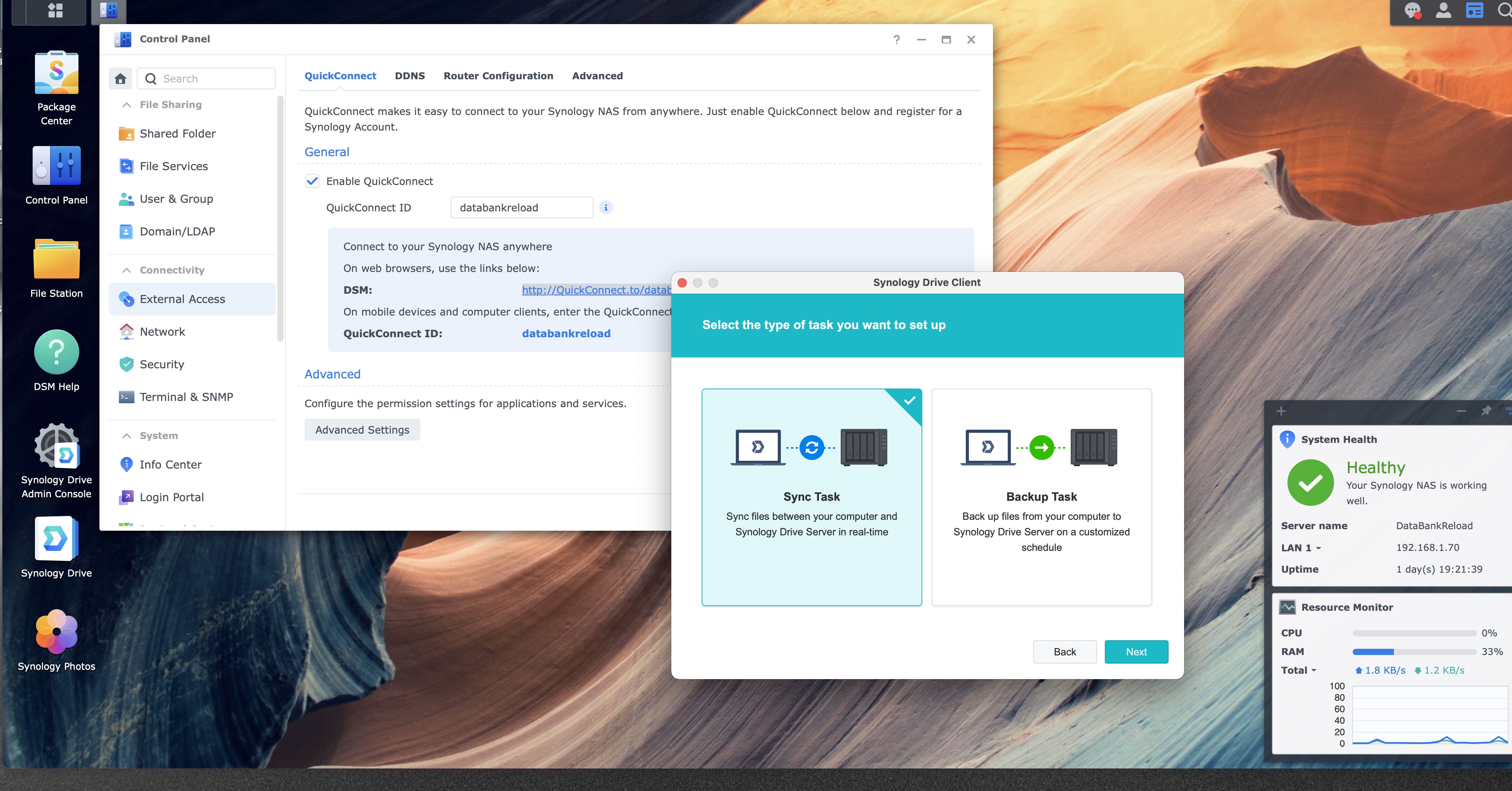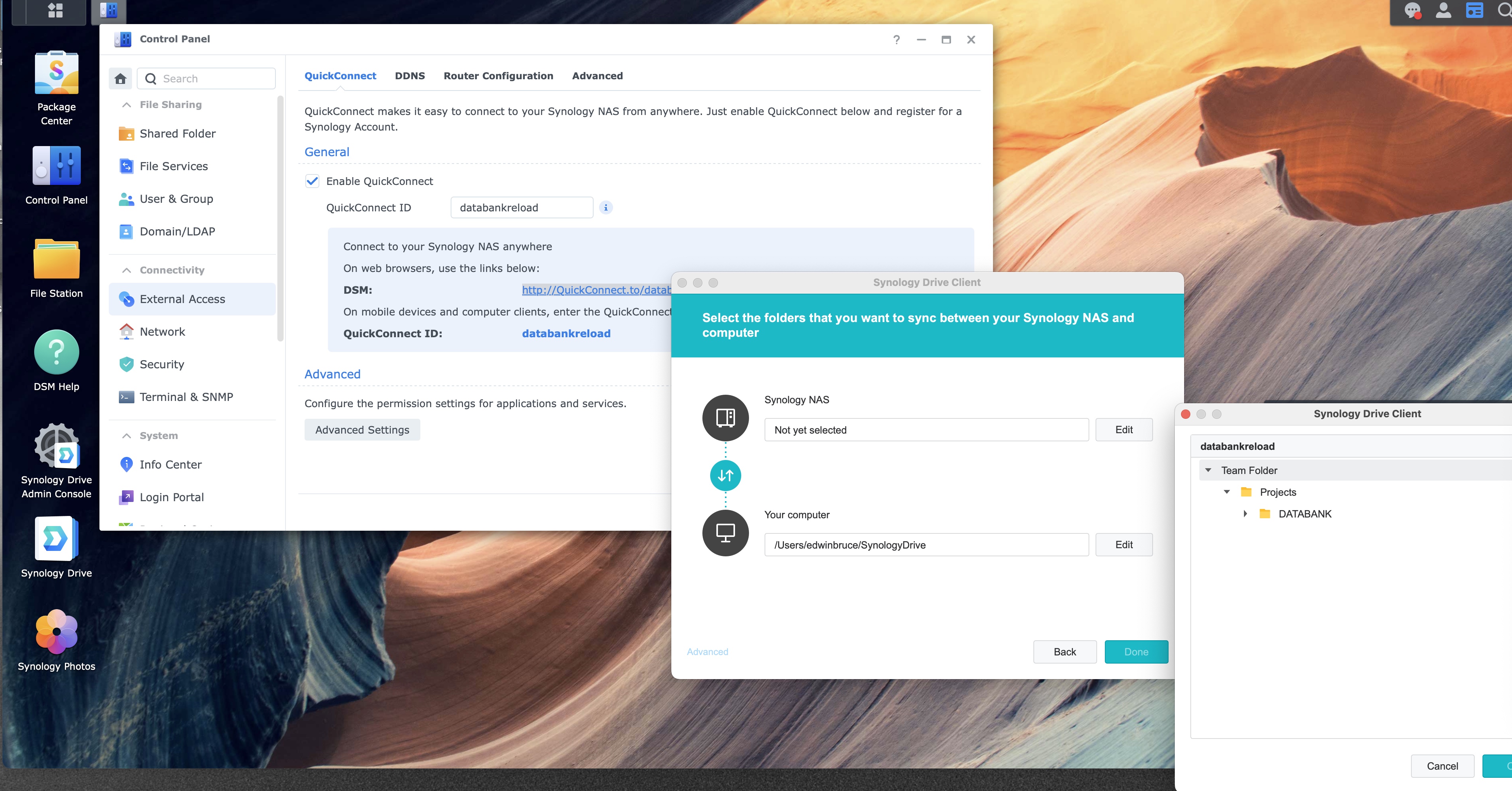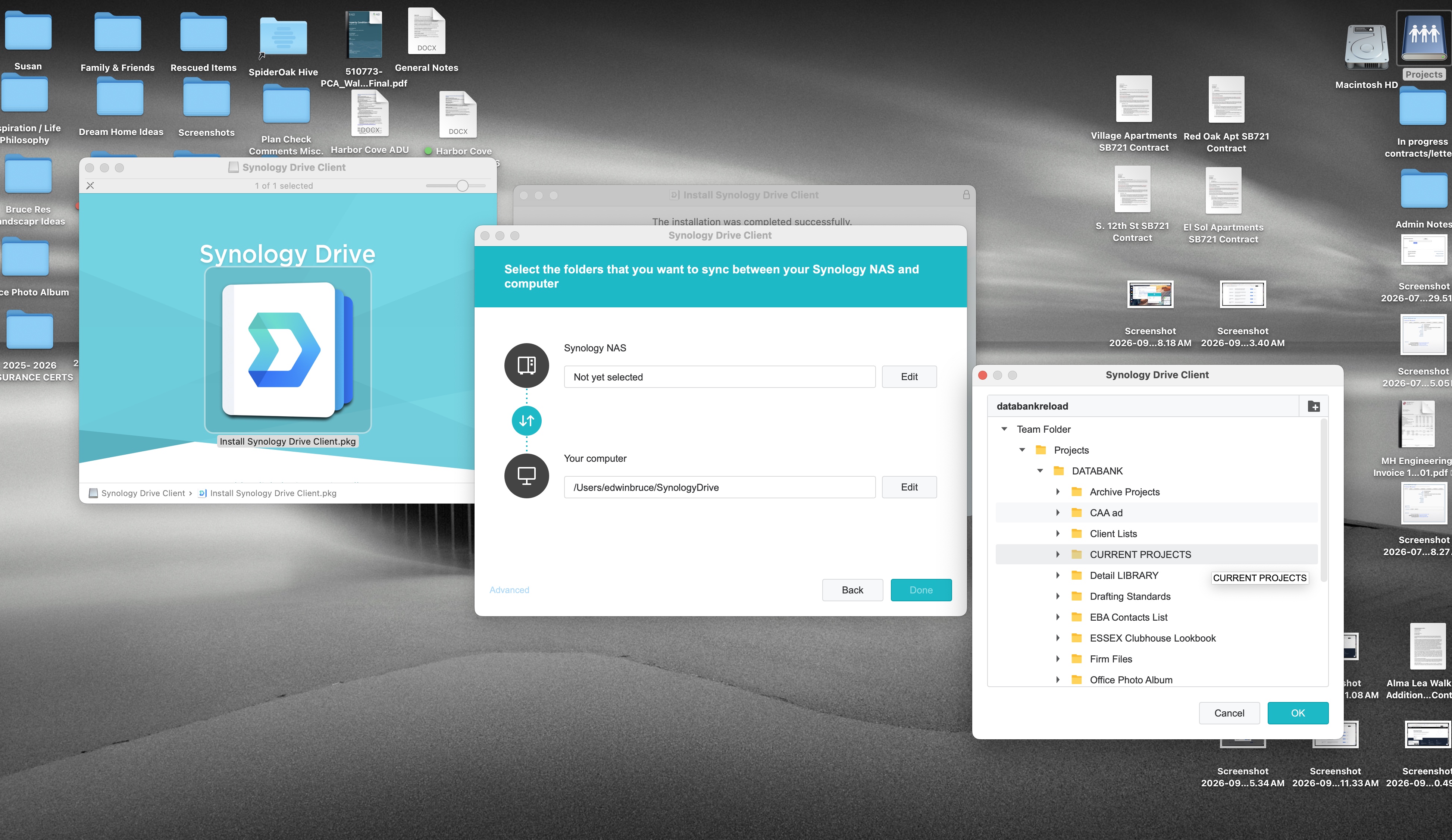
Step 6 of 12
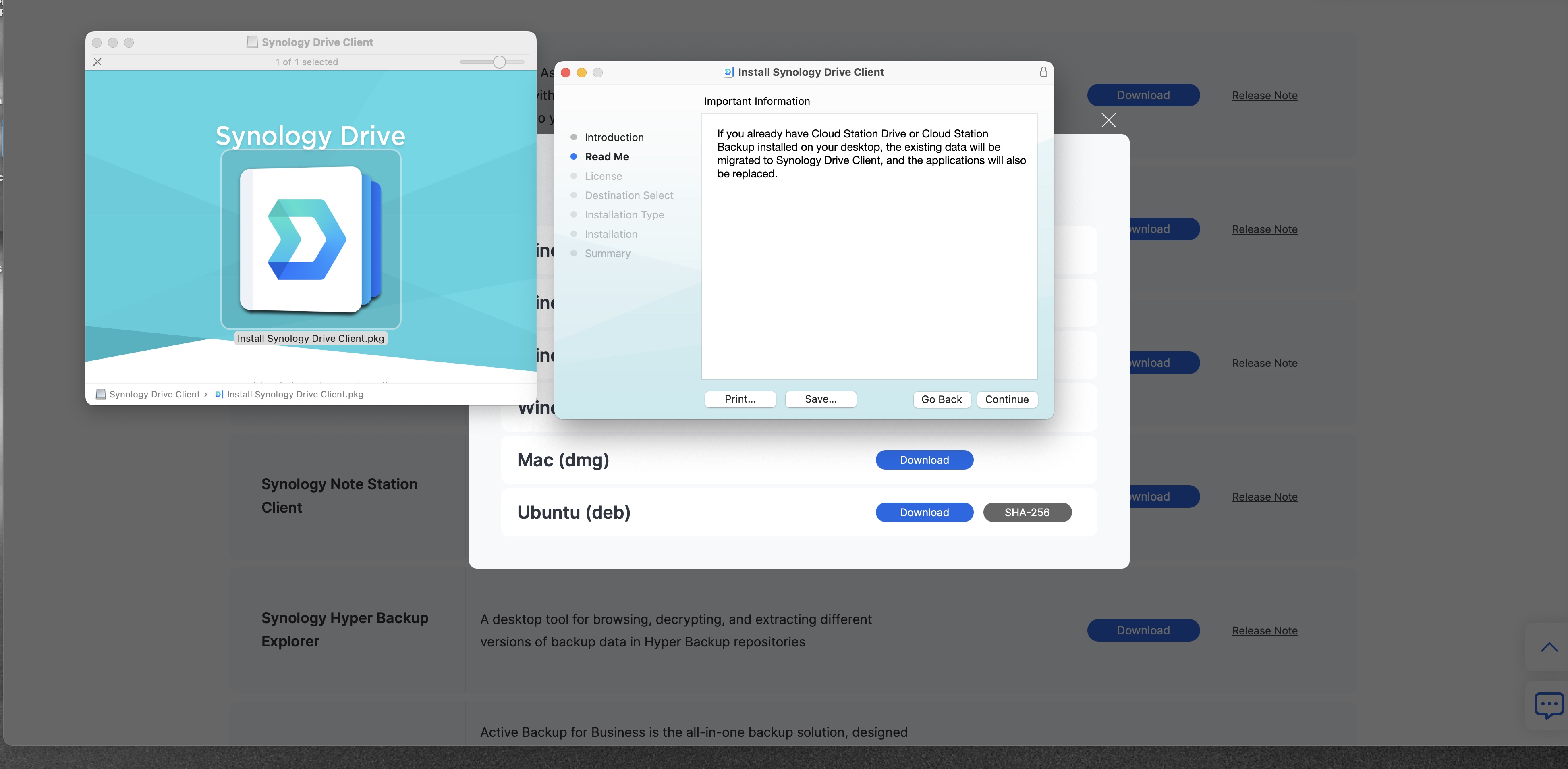
Download PDFWhen this notice appears, click Continue
When you see this information, click Continue.
1
2
Installer open to Important Information
1
2
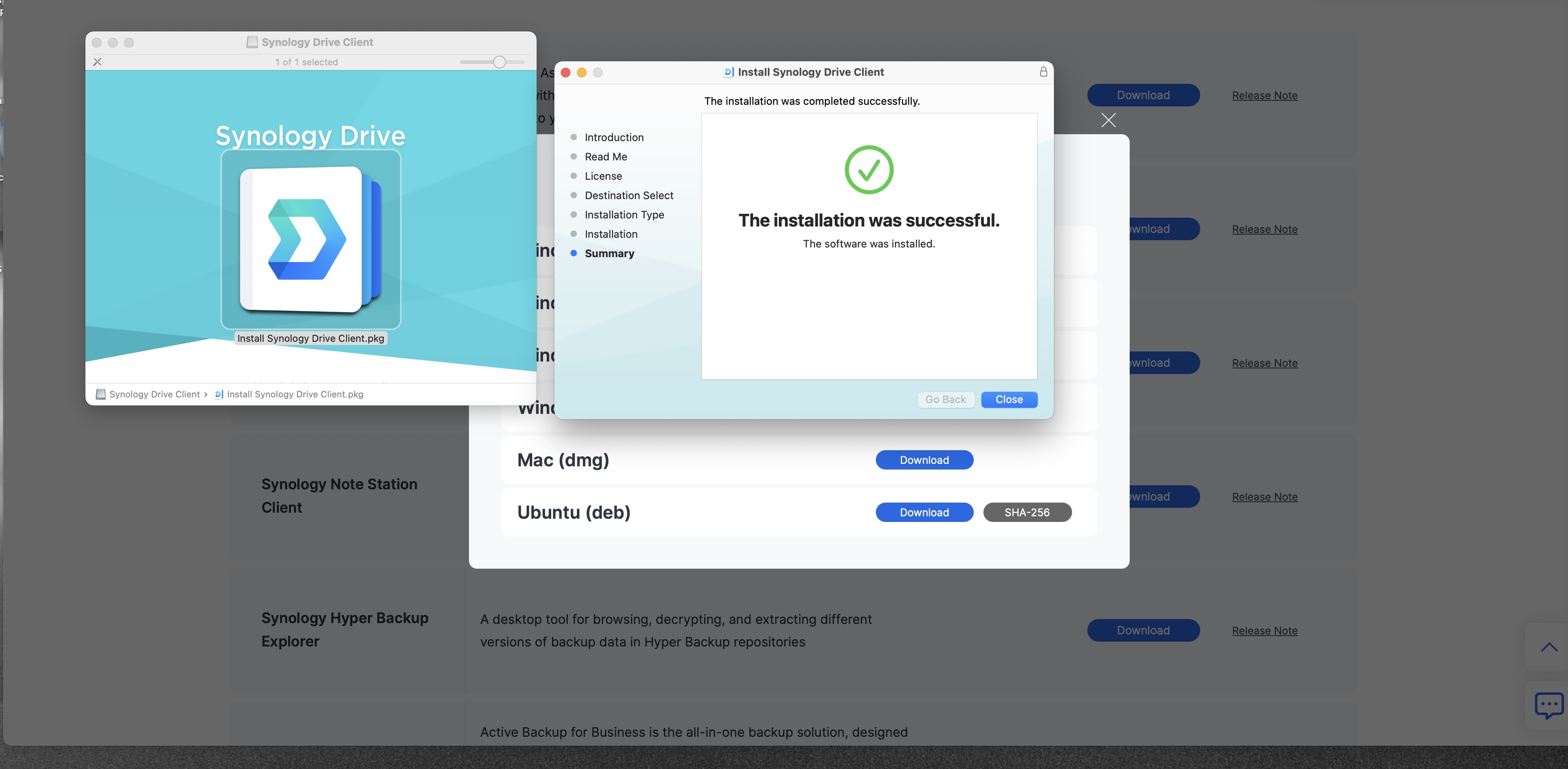
You are on the Read Me page. After Continue, the installer walks through the license and the install location. Accept the license, leave the location as the installer sets it, and click Install.
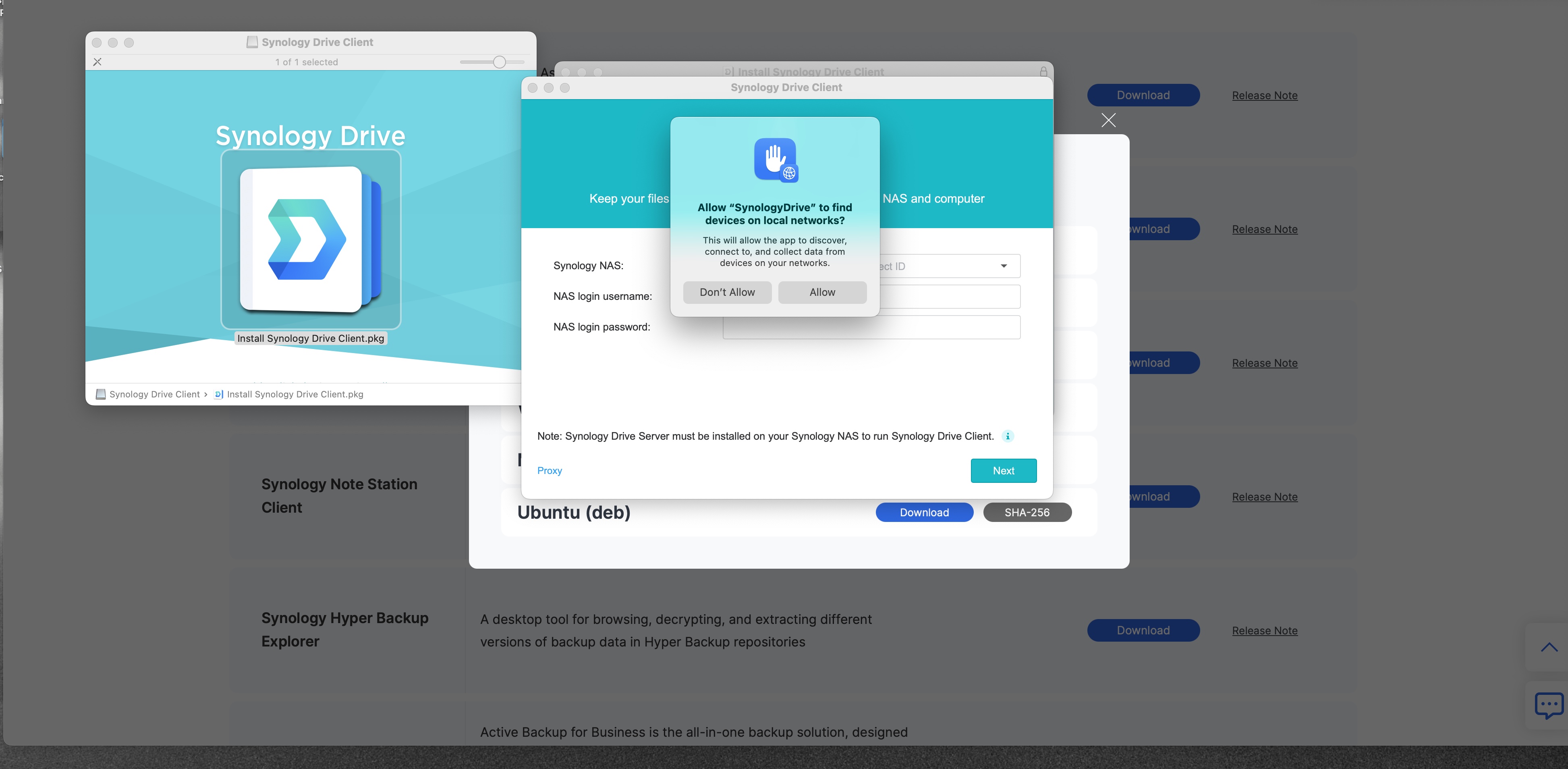
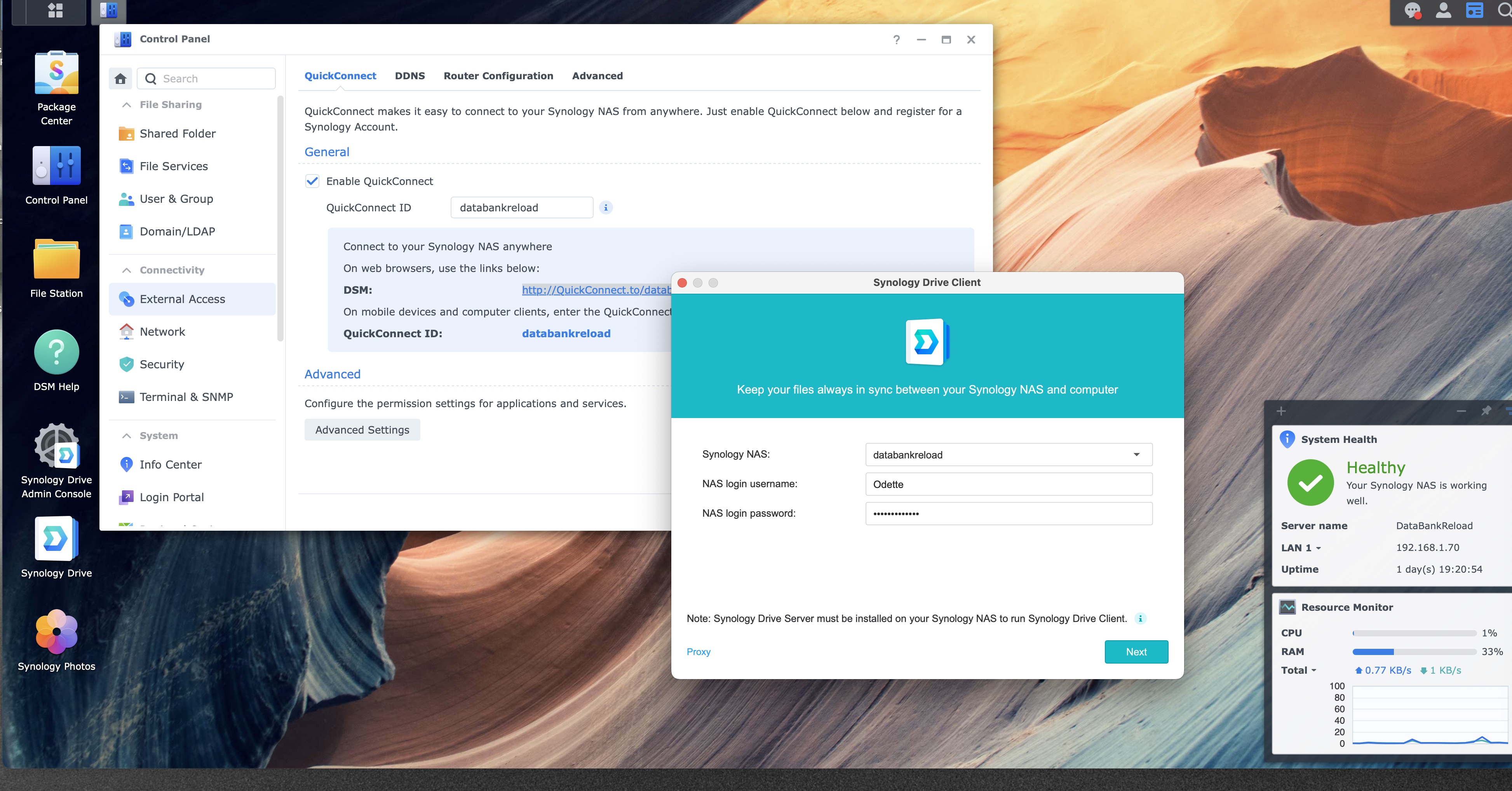
If the Mac asks for a password on those later pages, that password is the one for this Mac. The NAS password comes later, inside Drive Client.