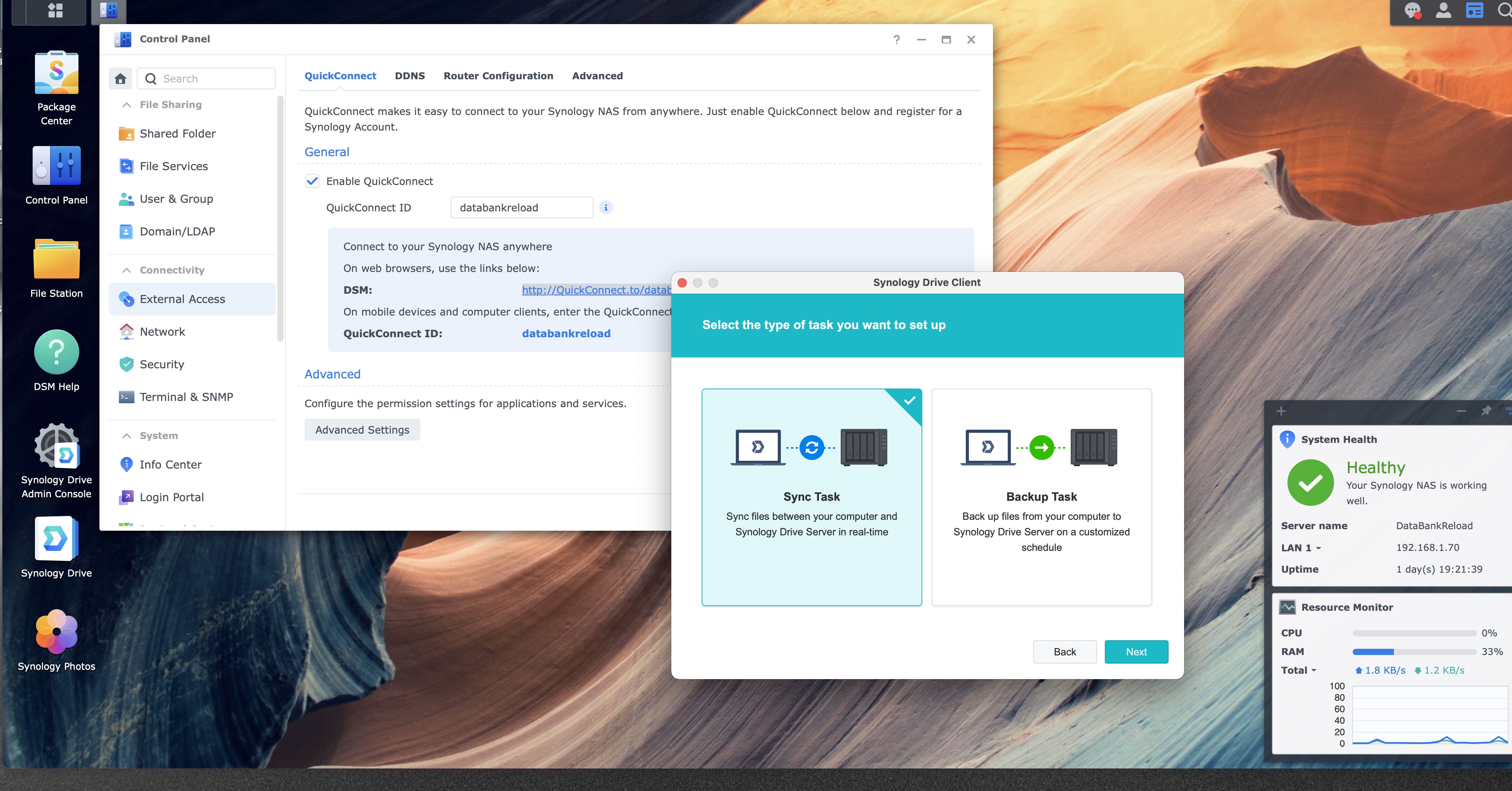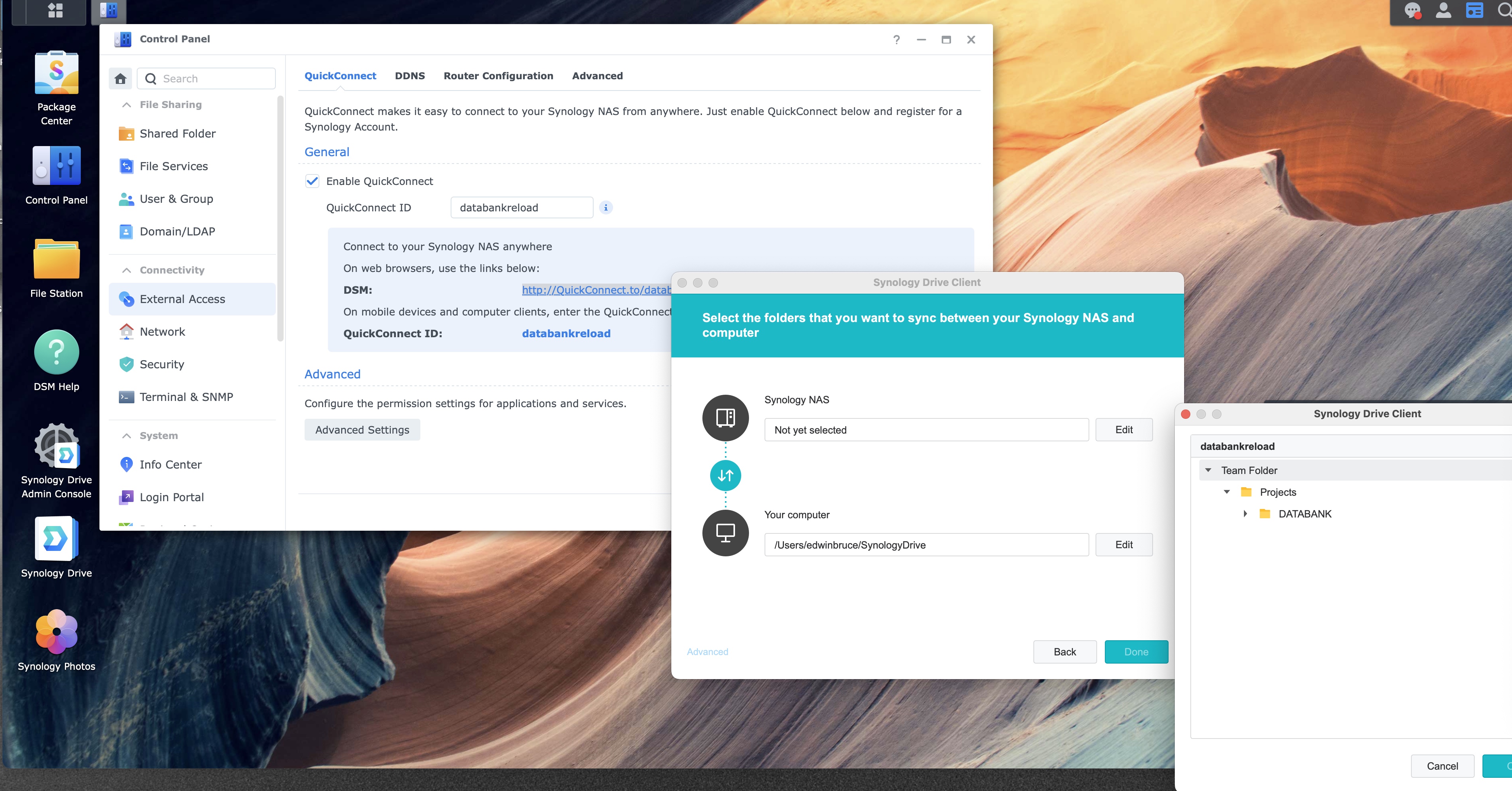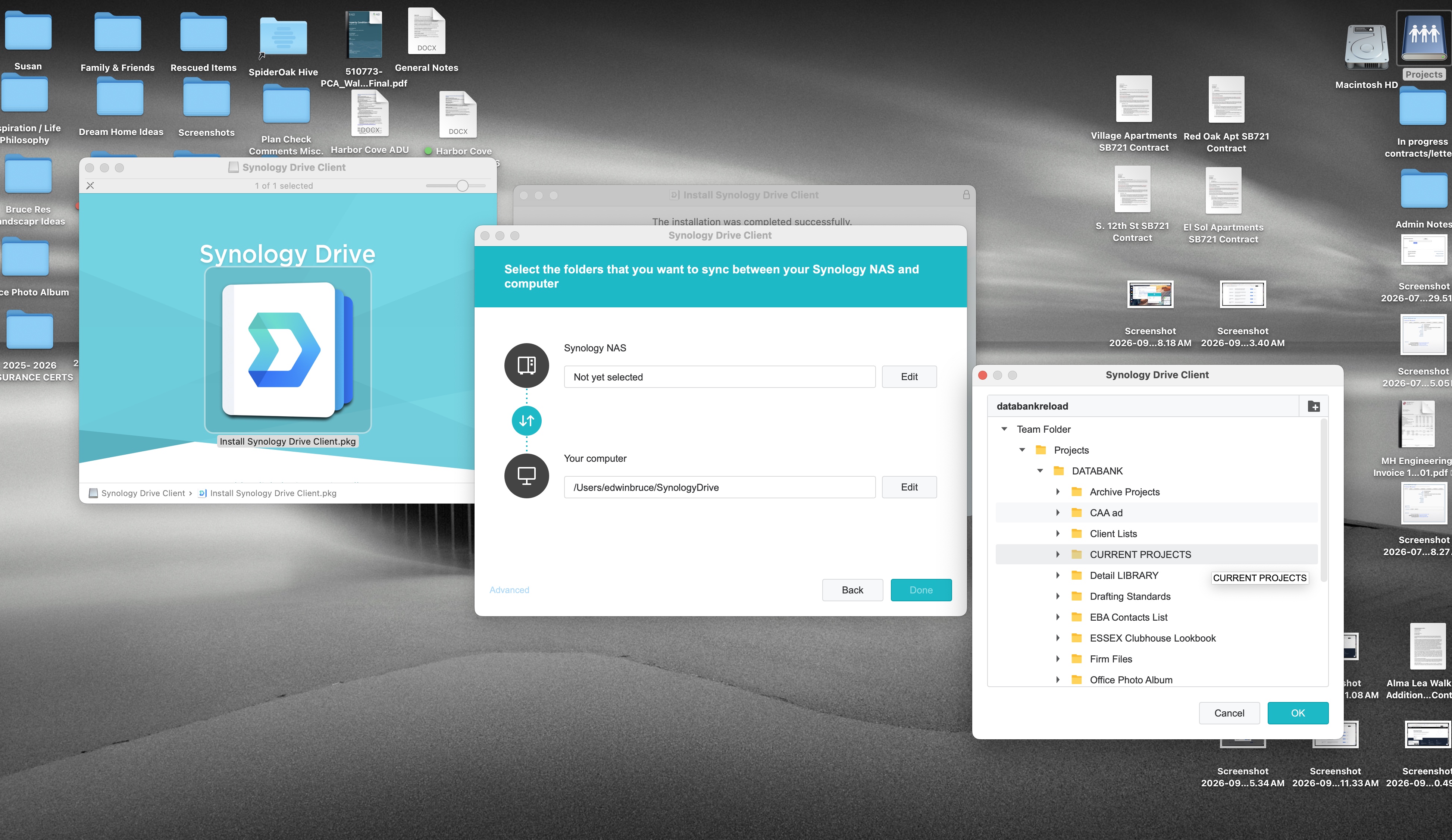
Step 5 of 12
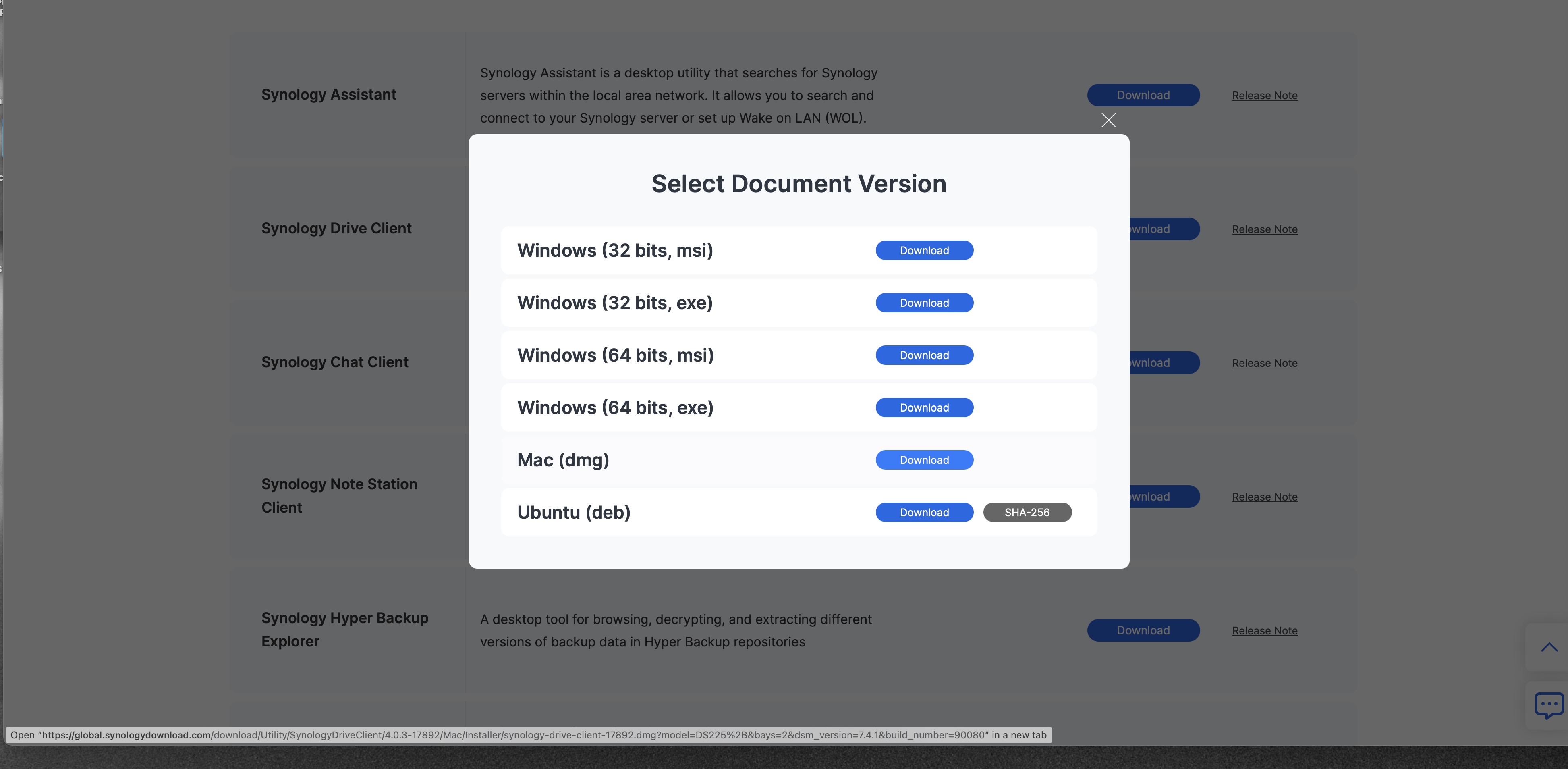
Download PDFChoose the Mac installer
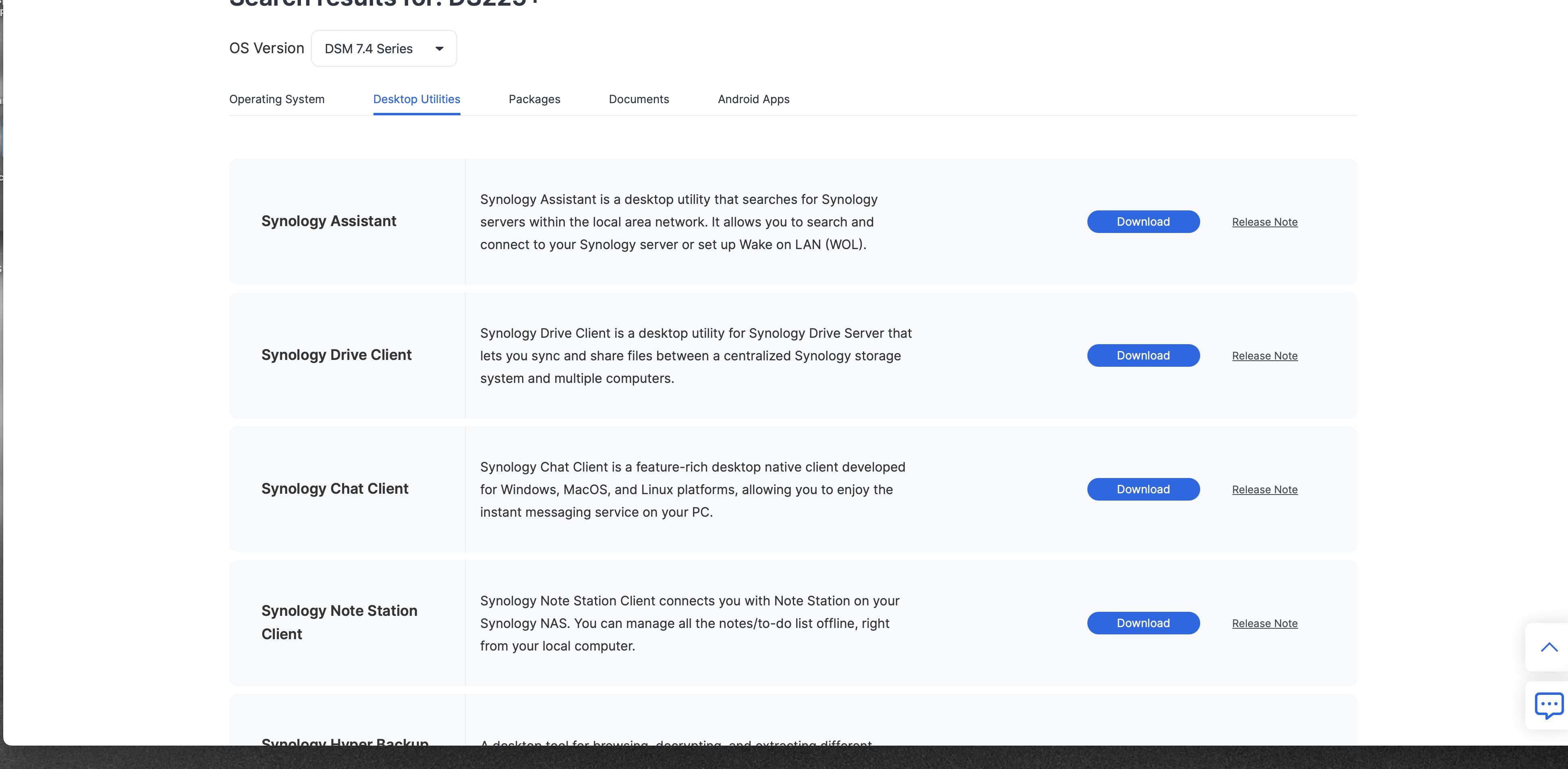
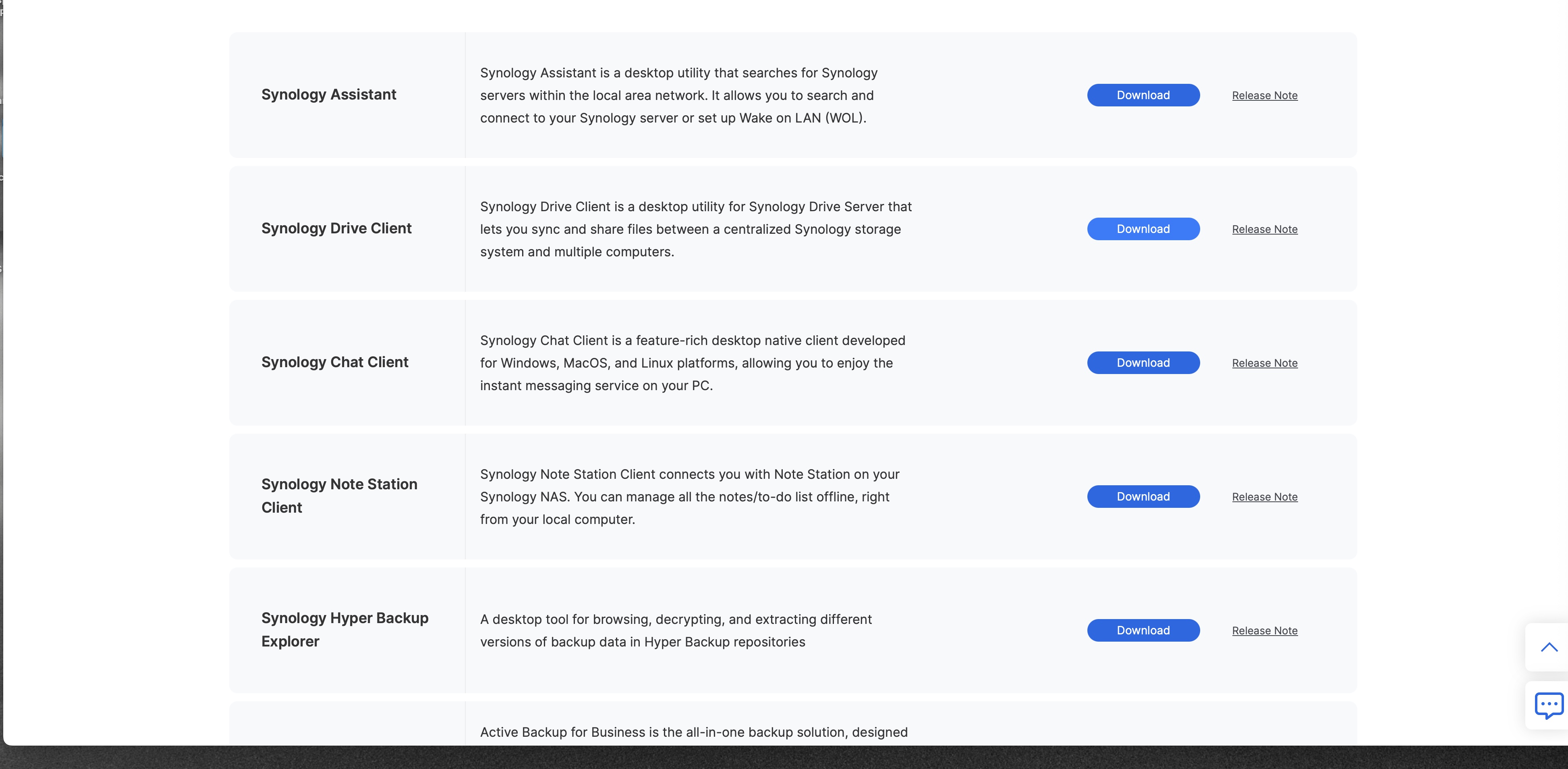
In Select Document Version, click Download on the Mac (dmg) row.
1
Select Document Version, with Mac (dmg)
1
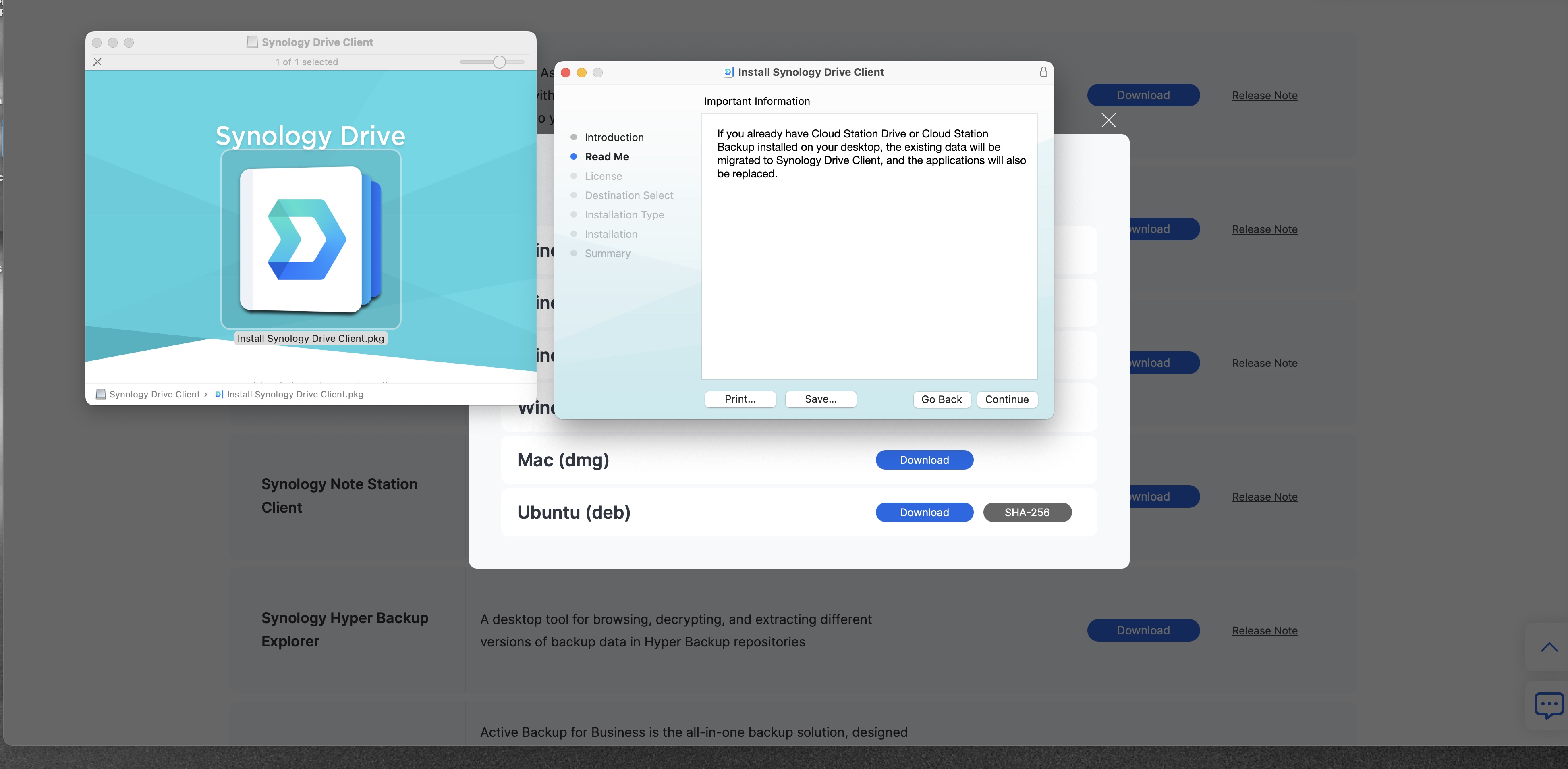
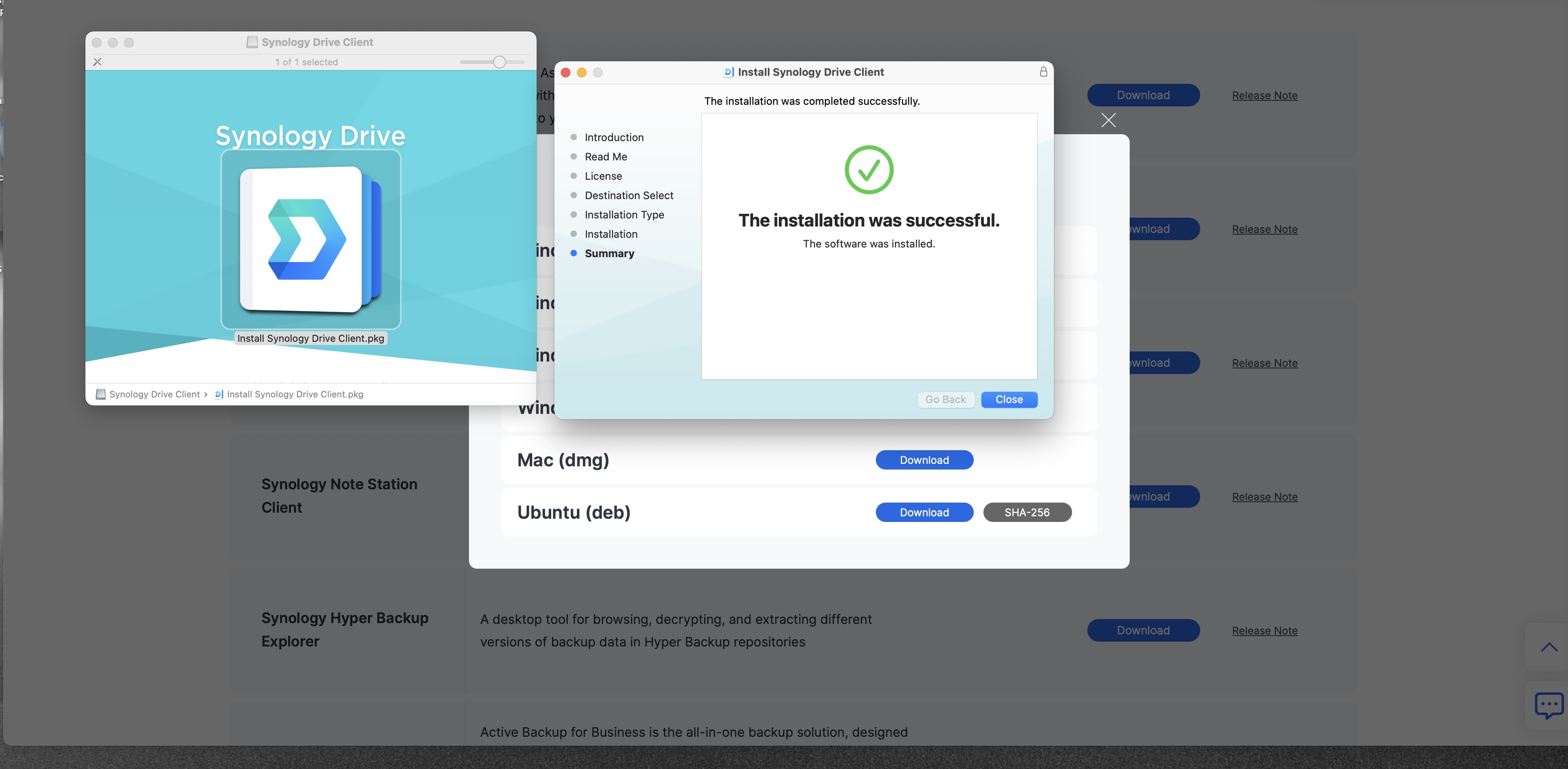
A disk image starts downloading. When it finishes, open it from the Downloads folder. The file in this picture is named synology-drive-client-17882.dmg. A newer build can carry a different number.