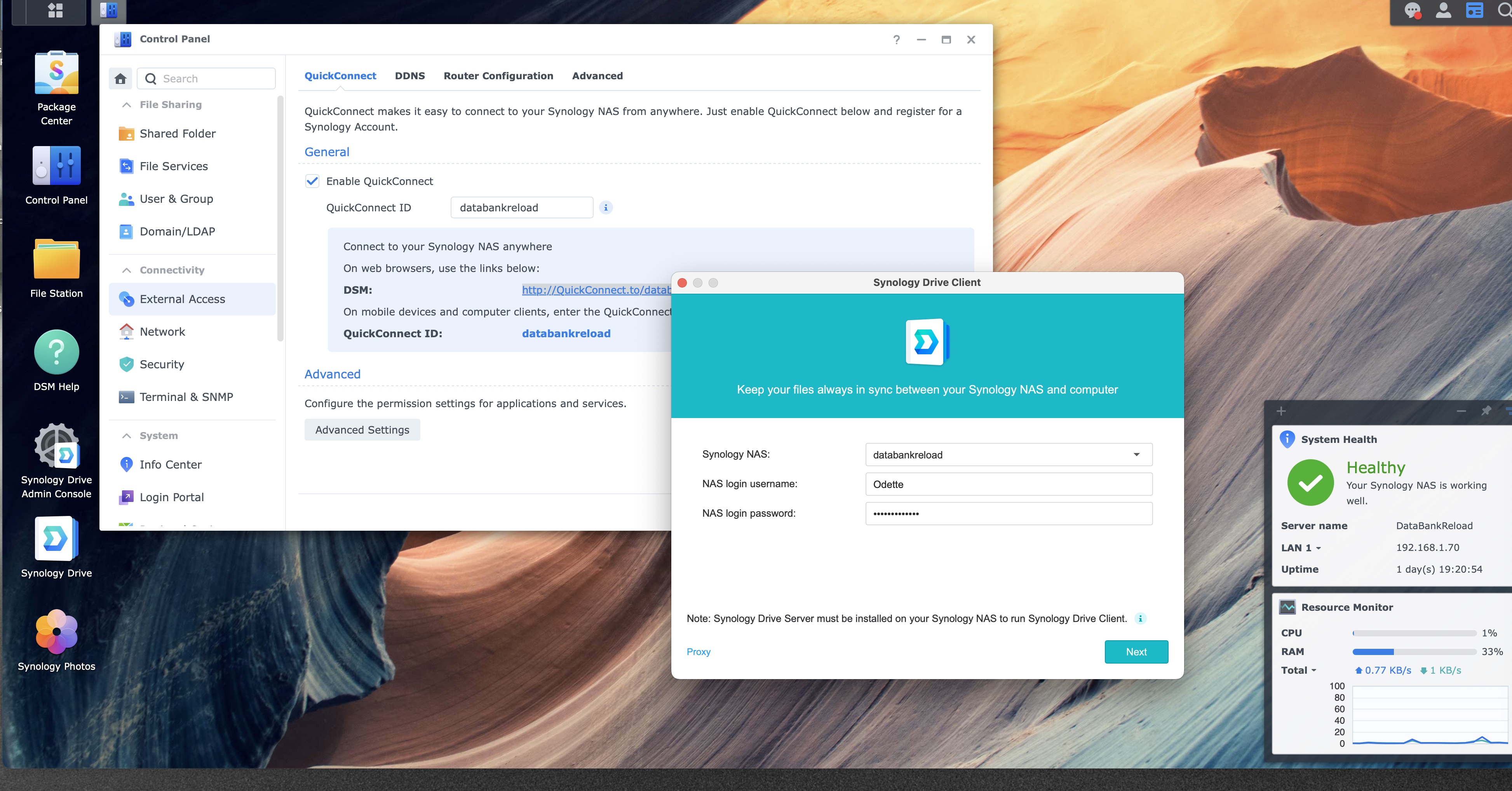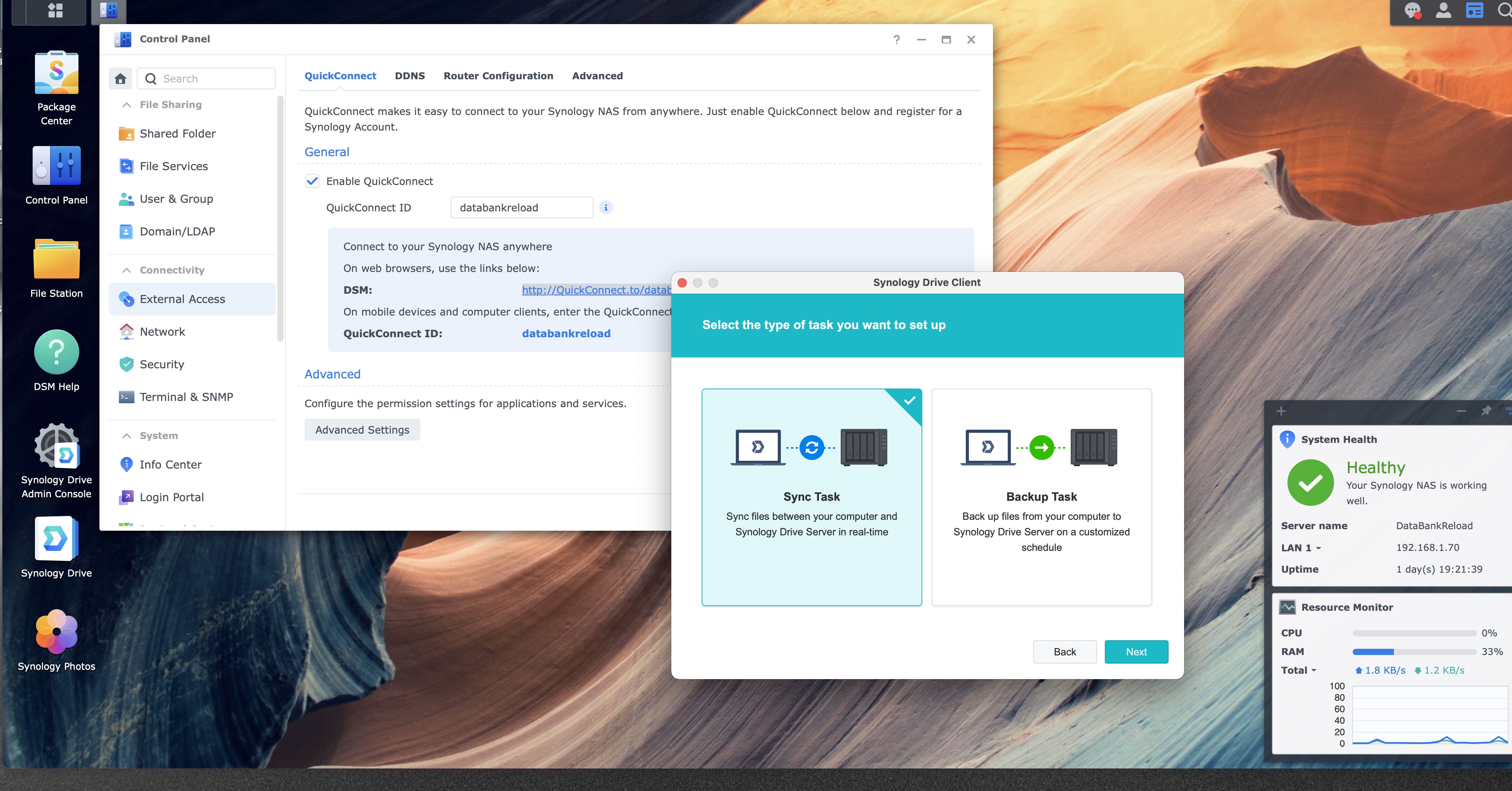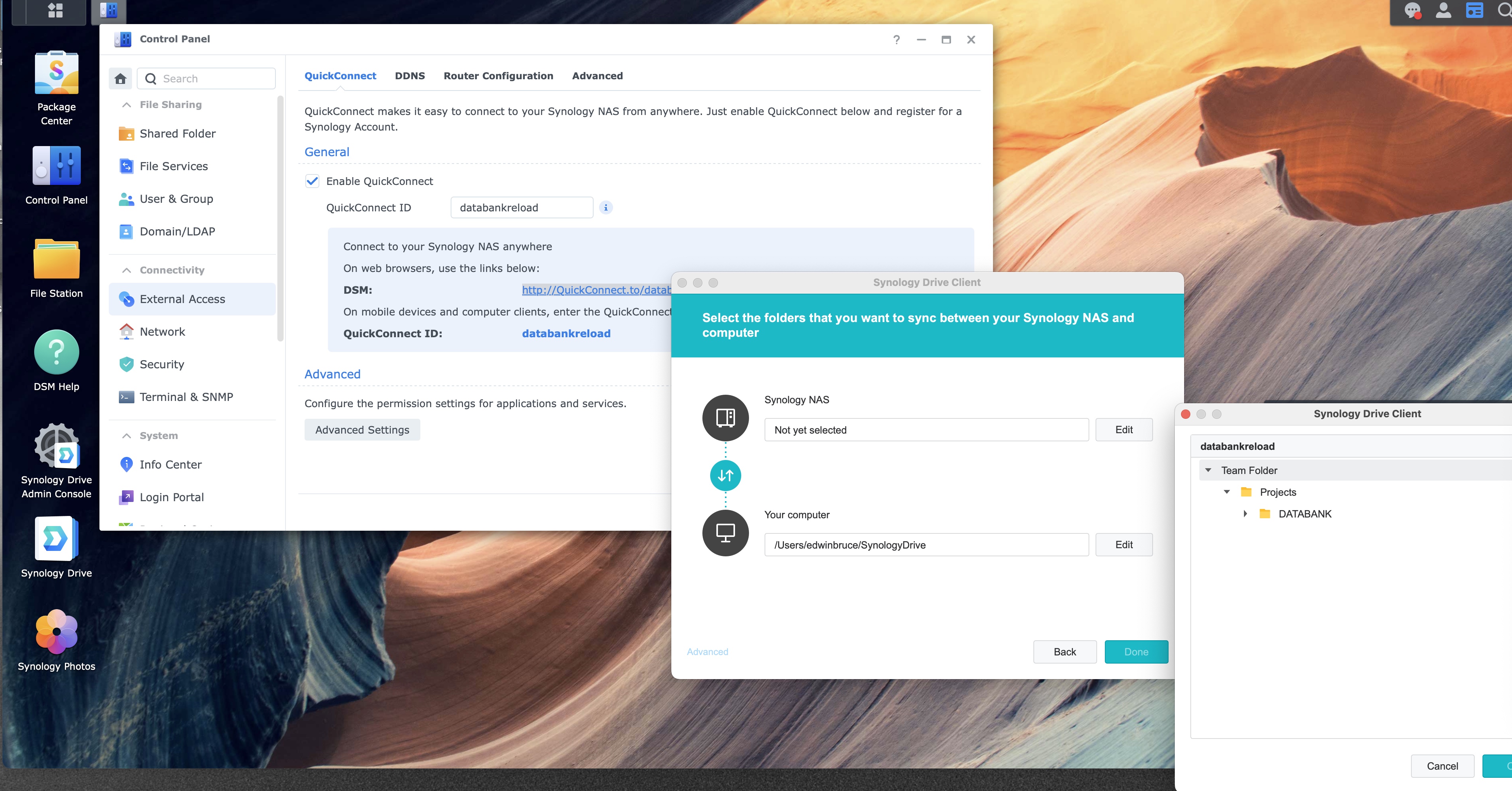
Step 12 of 12
Download PDFConfirm the shared folder
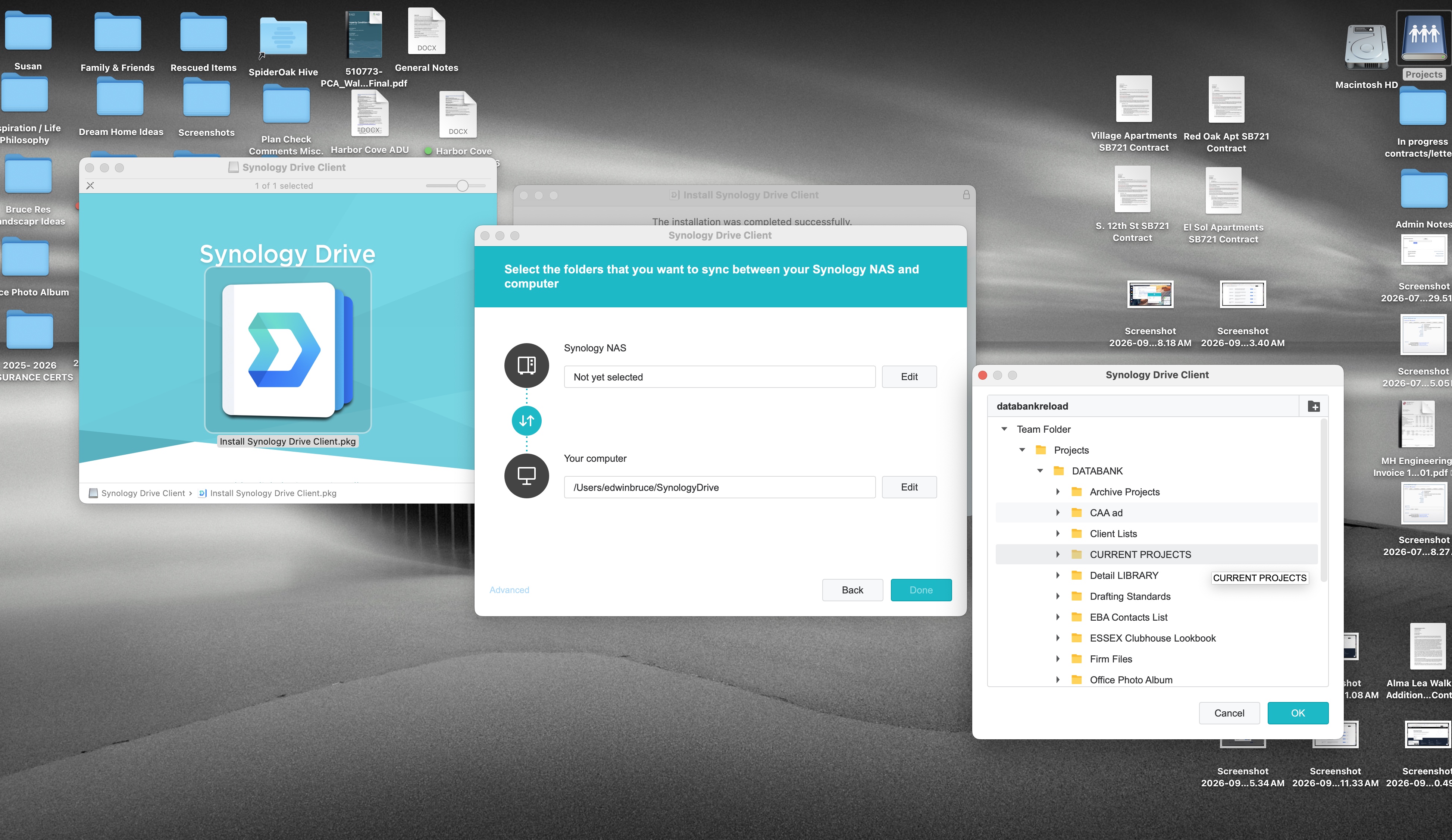
Click the one shared folder this Mac should keep, click OK, then click Done on the wizard.
1
2
Team Folder list, CURRENT PROJECTS selected
1
2
Open Team Folder if it is closed. In this picture CURRENT PROJECTS is the selected row. DATABANK is in the same list if that is the folder you need instead. Click the one folder, then OK.
OK closes the folder window. The wizard behind it should then show that folder on the NAS row. Click Done there.