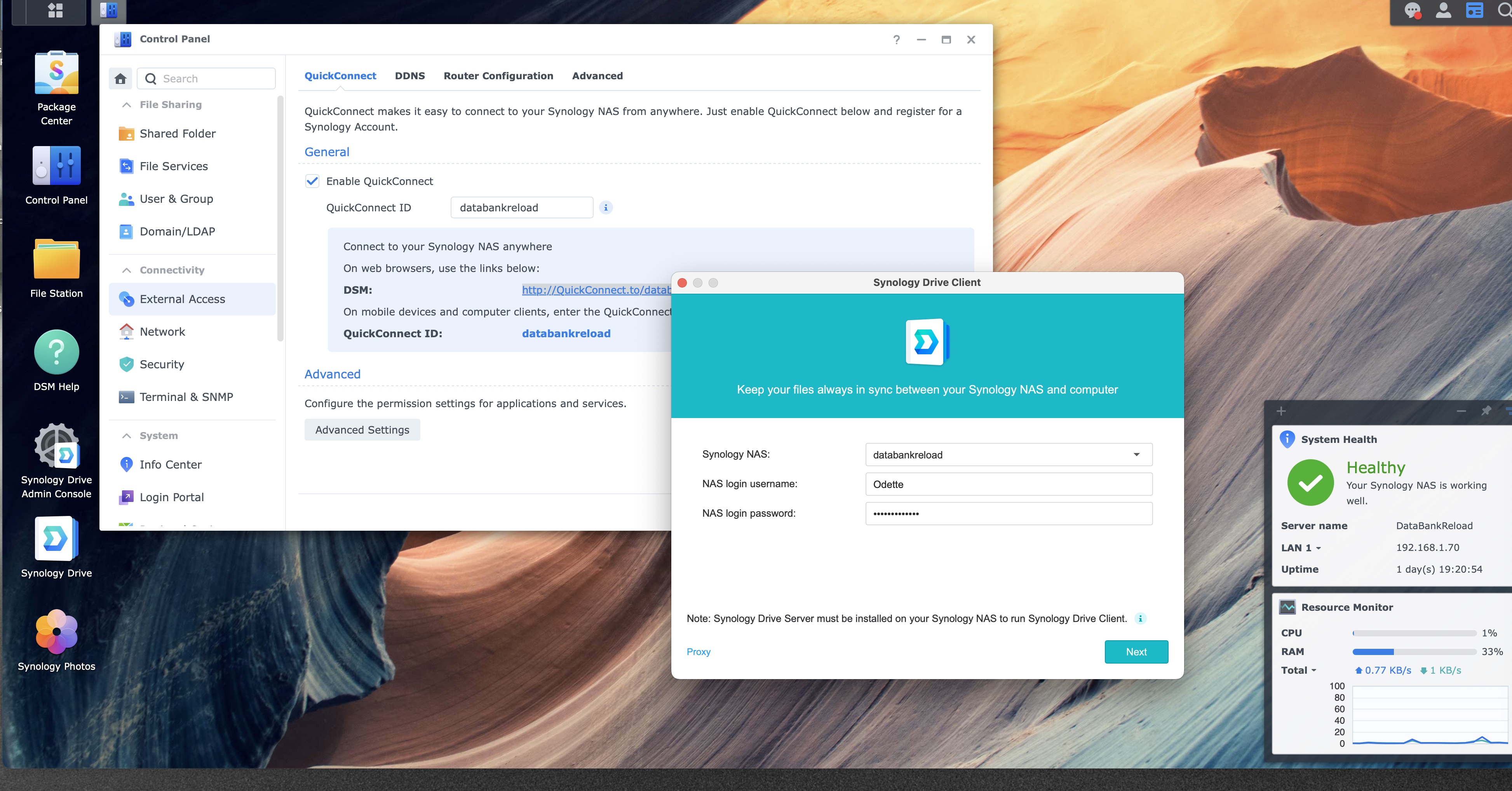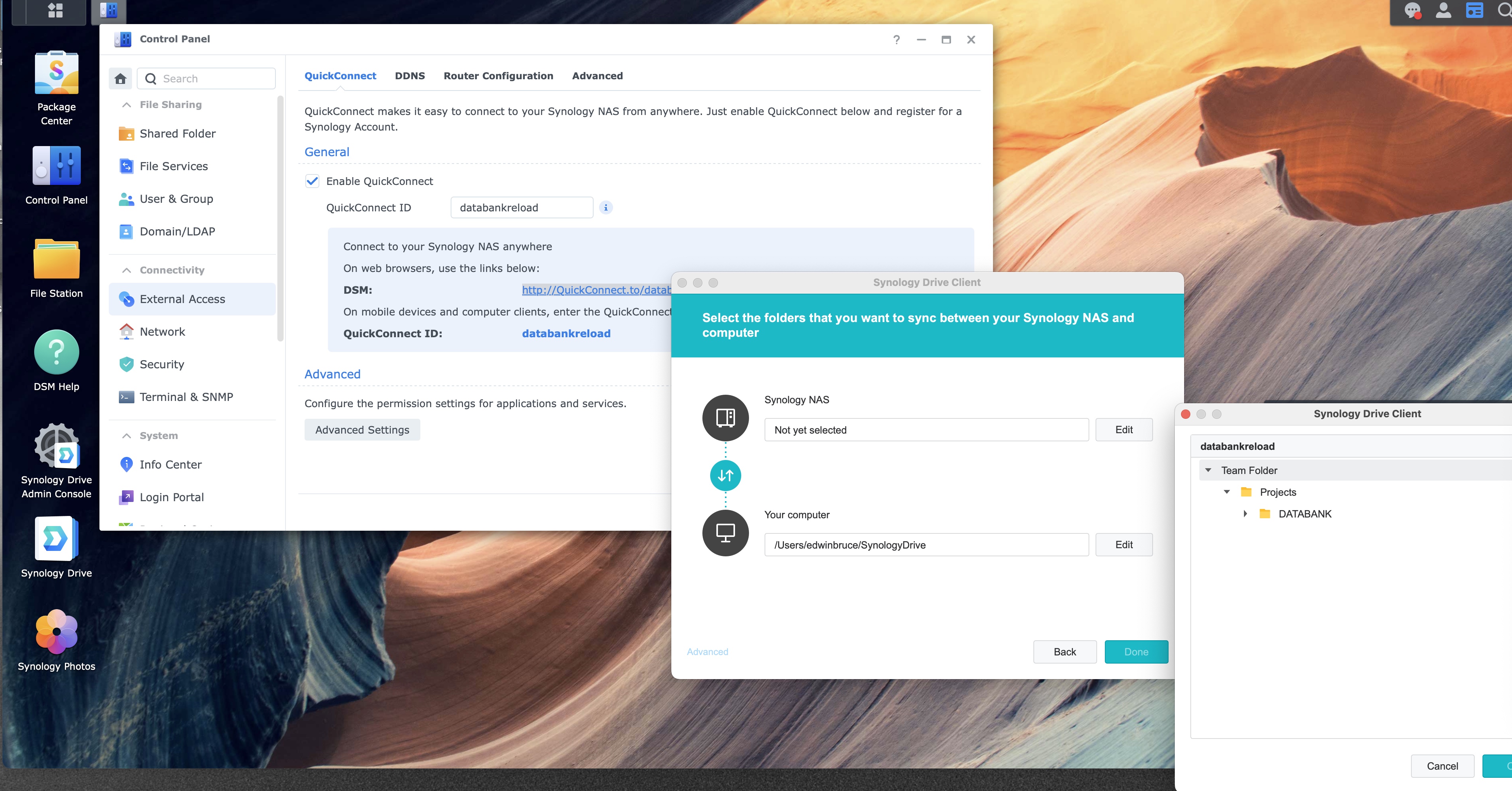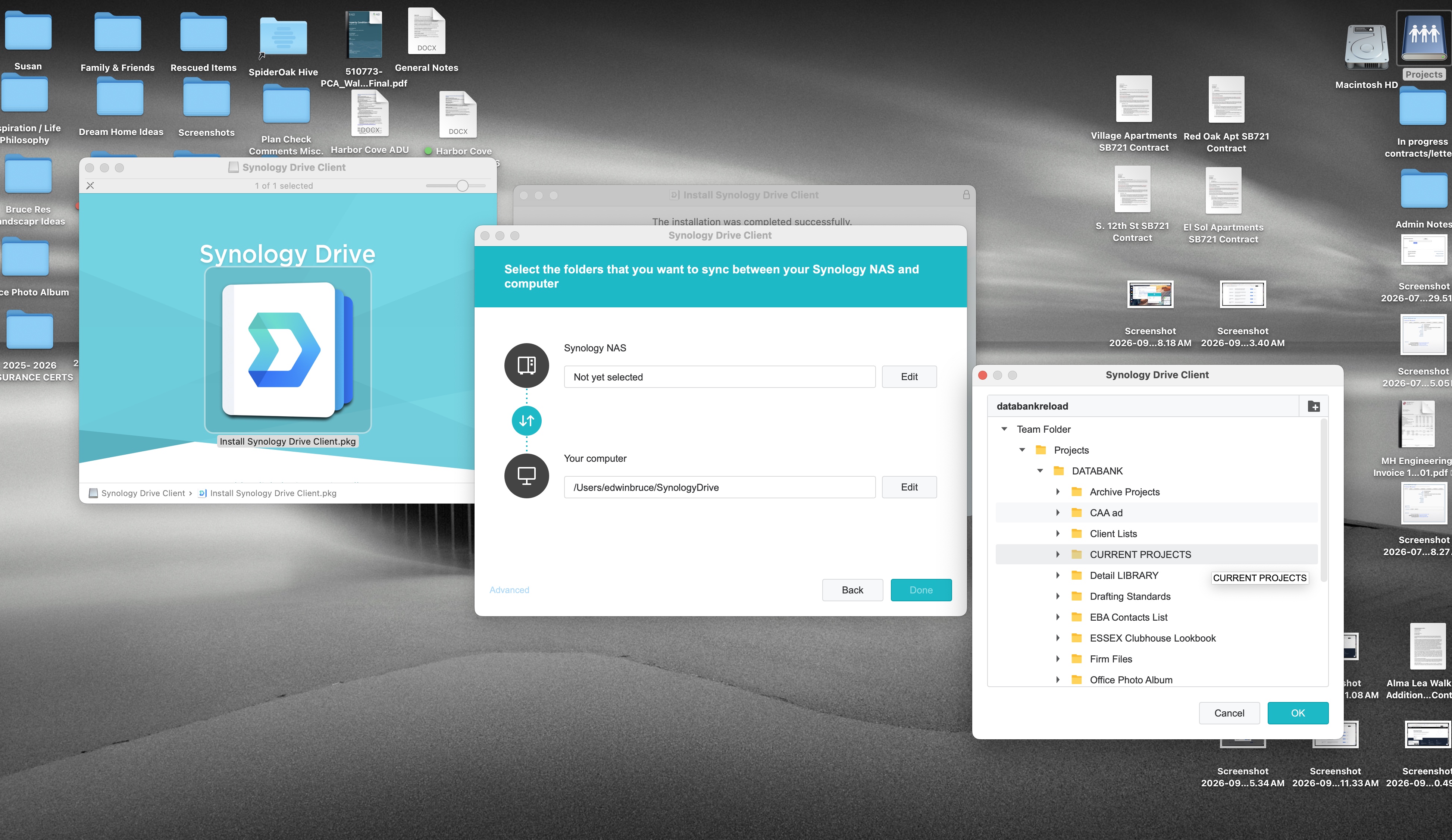
Step 10 of 12
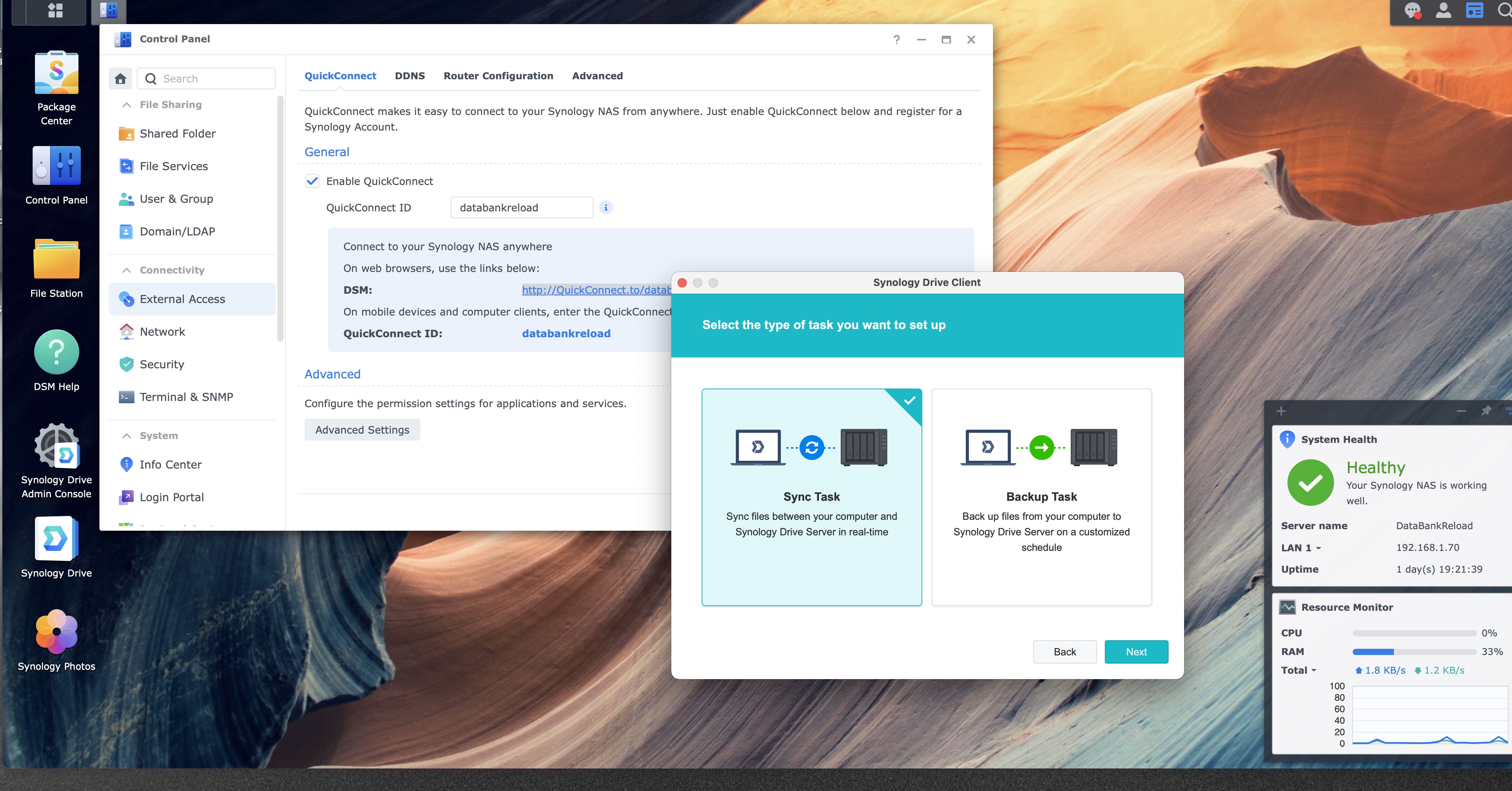
Download PDFChoose Sync Task
Click the Sync Task card, then click Next.
This Mac ↔ NAS
Sync Task
Same files on both sides, updated when they change.
This Mac → NAS
Backup Task
A copy sent from the Mac to the NAS on a schedule.
1
2
Sync Task and Backup Task
1
2
Sync keeps the same files on the Mac and the NAS, and it updates them when they change. That is the right card for a shared project folder people open from either place.
Backup Task is the card on the right. It copies files from the Mac to the NAS on a schedule you set. Pick that card only when you want a spare copy, and the NAS copy does not need to change the Mac.